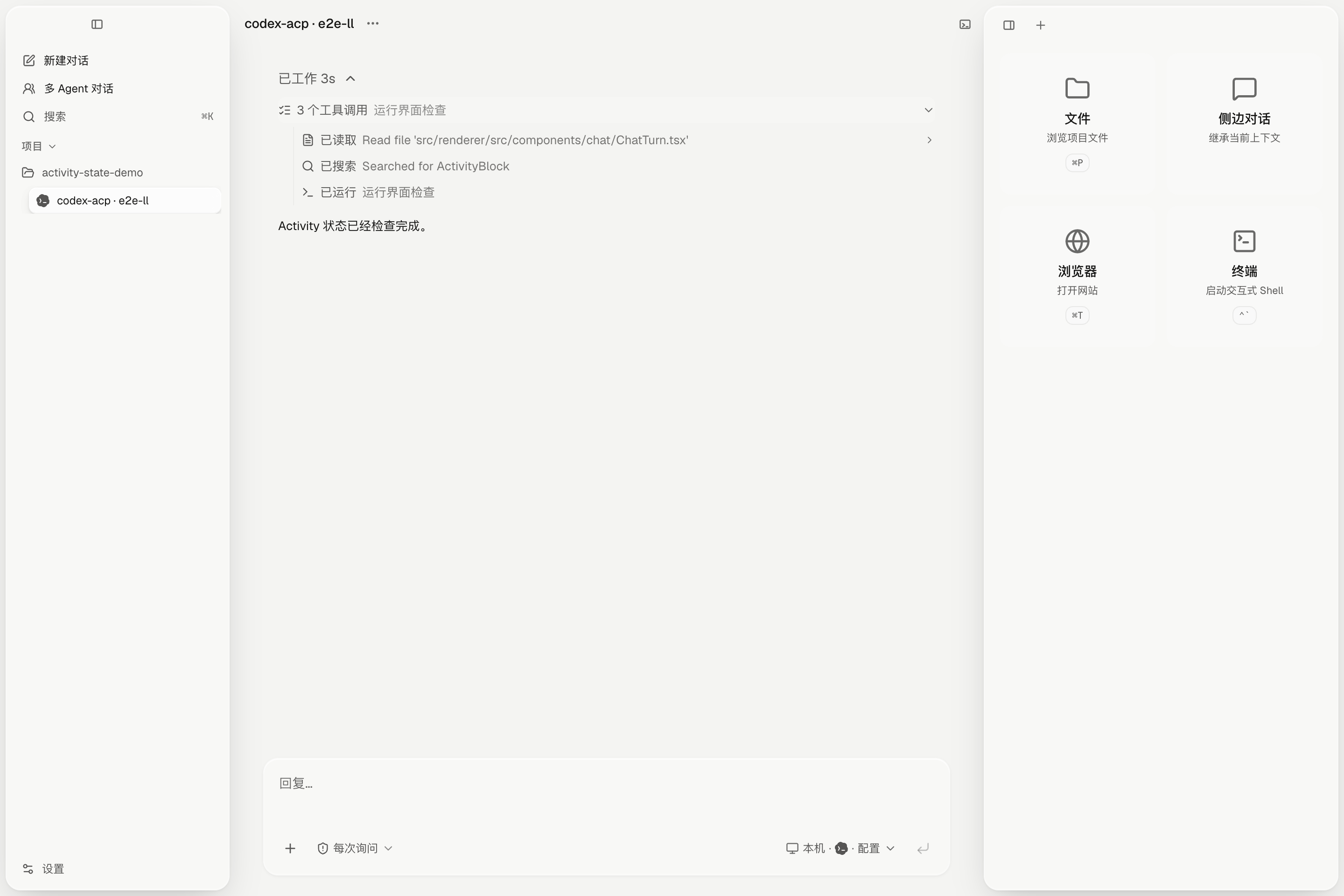
See the work, not a wall of logs.
Thinking and tool calls fold into a readable activity history. Follow the current action while it runs; open the details only when you need them.
- Grouped tool activity
- Streaming thoughts
- Stable conversation timeline
MULTI-HARNESS · ACP-NATIVE
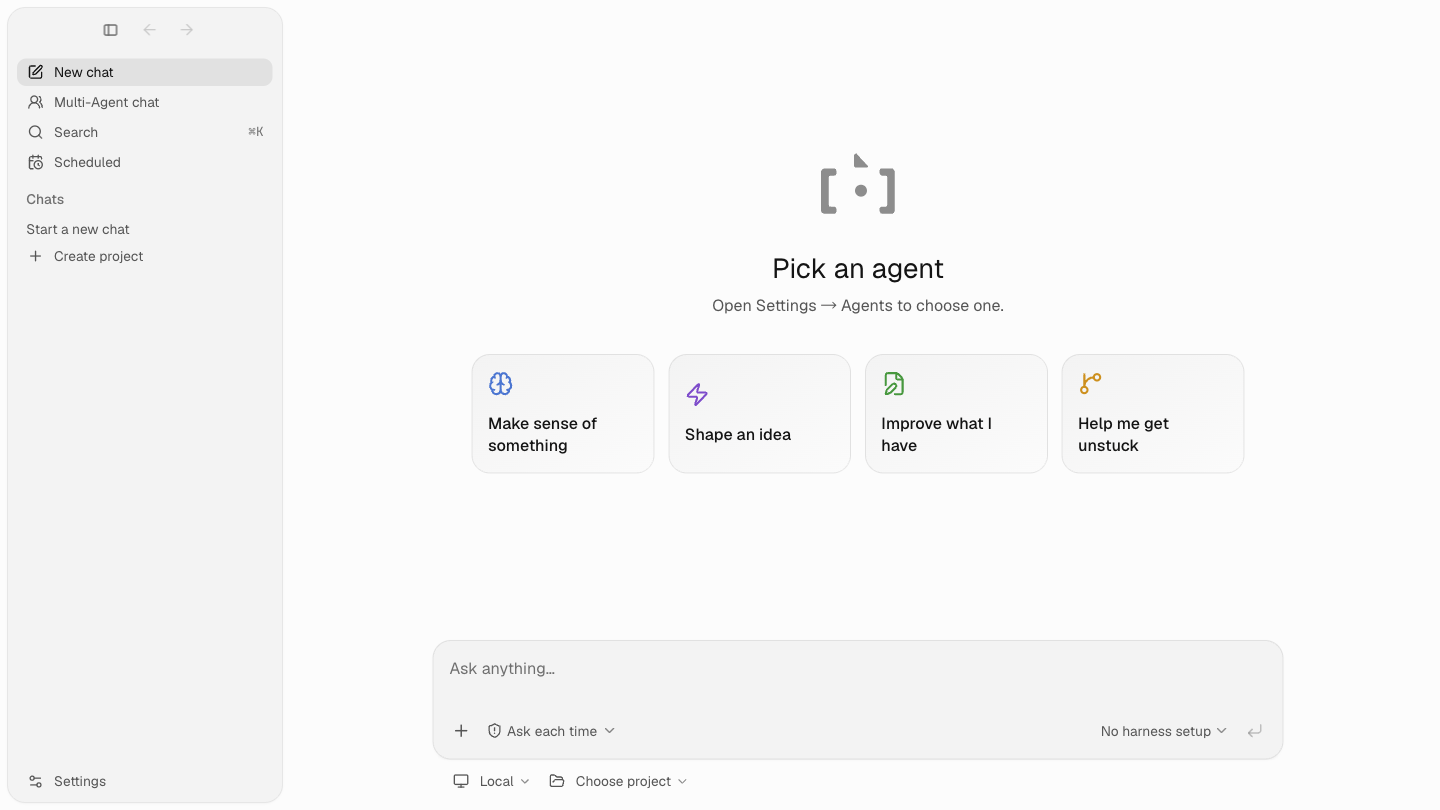
Run Claude Code, Codex, DeepSeek Harness, and other ACP agents in one desktop. Bring multiple agents into the same conversation, use the built-in browser, and open MCP Apps or Codex plugins right beside the chat.

Pick a project, pick a harness, and start with the agent's real capabilities.
A shared desktop for the agents you already use
THE PRODUCT
Backchat is a desktop client, not another agent dashboard. Multi-agent chats, files, terminals, the built-in browser, MCP Apps, and Codex plugins appear when the work needs them.
Thinking and tool calls fold into a readable activity history. Follow the current action while it runs; open the details only when you need them.

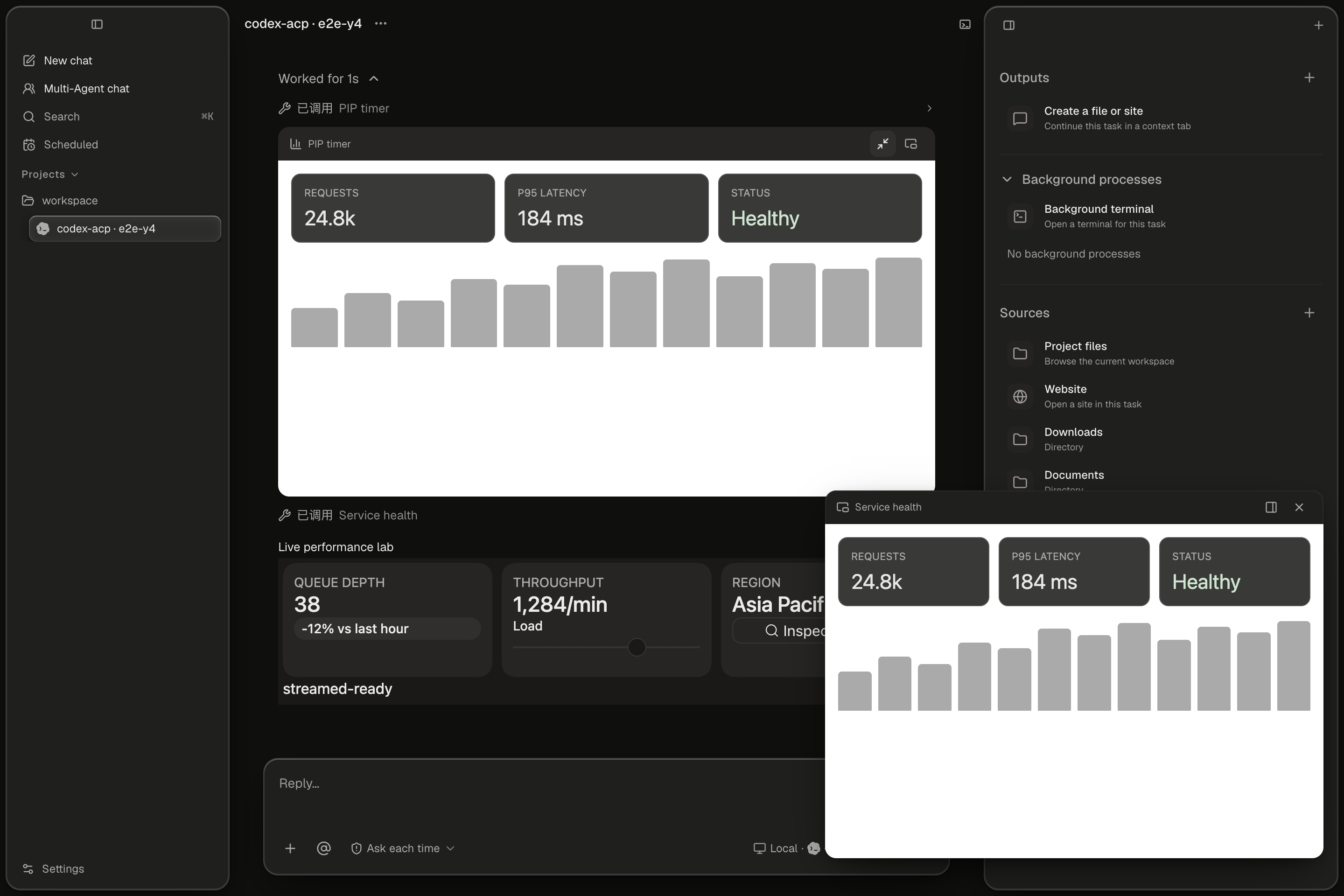
Keep project files, a terminal, and the built-in browser beside the conversation. Add multiple agents to one chat, or open native MCP Apps and Codex plugins without leaving the task.

LIVE TRUTH
Models, commands, modes, permissions, and session controls come from the selected harness. Backchat does not invent a generic capability layer and pretend every agent works the same way.
YOUR HARNESS, YOUR CHOICE
Backchat discovers or installs ACP-compatible harnesses from Settings, then keeps their setup separate from the conversation itself.
claude-acpOfficial ACP adaptercodex-acpNative Codex workflowgeminiGemini ACP modeopencodeOpenCode ACP modehermesHermes ACP entryopenclawOpenClaw ACP entryNATIVE SUPPORT
Interactive apps and plugin output open inside the task, alongside the conversation, files, browser, and terminal—not in a detached dashboard.
DESKTOP PREVIEW
Backchat is pre-release and under active development. Download the current macOS build, or package a native Windows or Linux build on your own machine.
WINDOWS + LINUX
Choose the recipe for your operating system. Each one builds Backchat from source and creates a native, unsigned installer on that machine.
Windows 10/11 · Git · Node.js 20+
Run the complete command block below.
release/<version>/*.exe
git clone https://github.com/openma-ai/backchat.git
cd backchat
corepack enable
corepack prepare pnpm@10.34.5 --activate
pnpm install --frozen-lockfile
pnpm exec electron-vite build
pnpm exec electron-builder --win nsis --publish never64-bit Linux · Git · Node.js 20+
Run the complete command block below.
release/<version>/*.AppImage
git clone https://github.com/openma-ai/backchat.git
cd backchat
corepack enable
corepack prepare pnpm@10.34.5 --activate
pnpm install --frozen-lockfile
pnpm exec electron-vite build
pnpm exec electron-builder --linux AppImage --publish neverPackage on the target operating system. If a native dependency falls back to compilation, install that platform's standard C/C++ build tools and retry.